Google Maps Adds a Message Button Next to Call: What Local Businesses Should Do
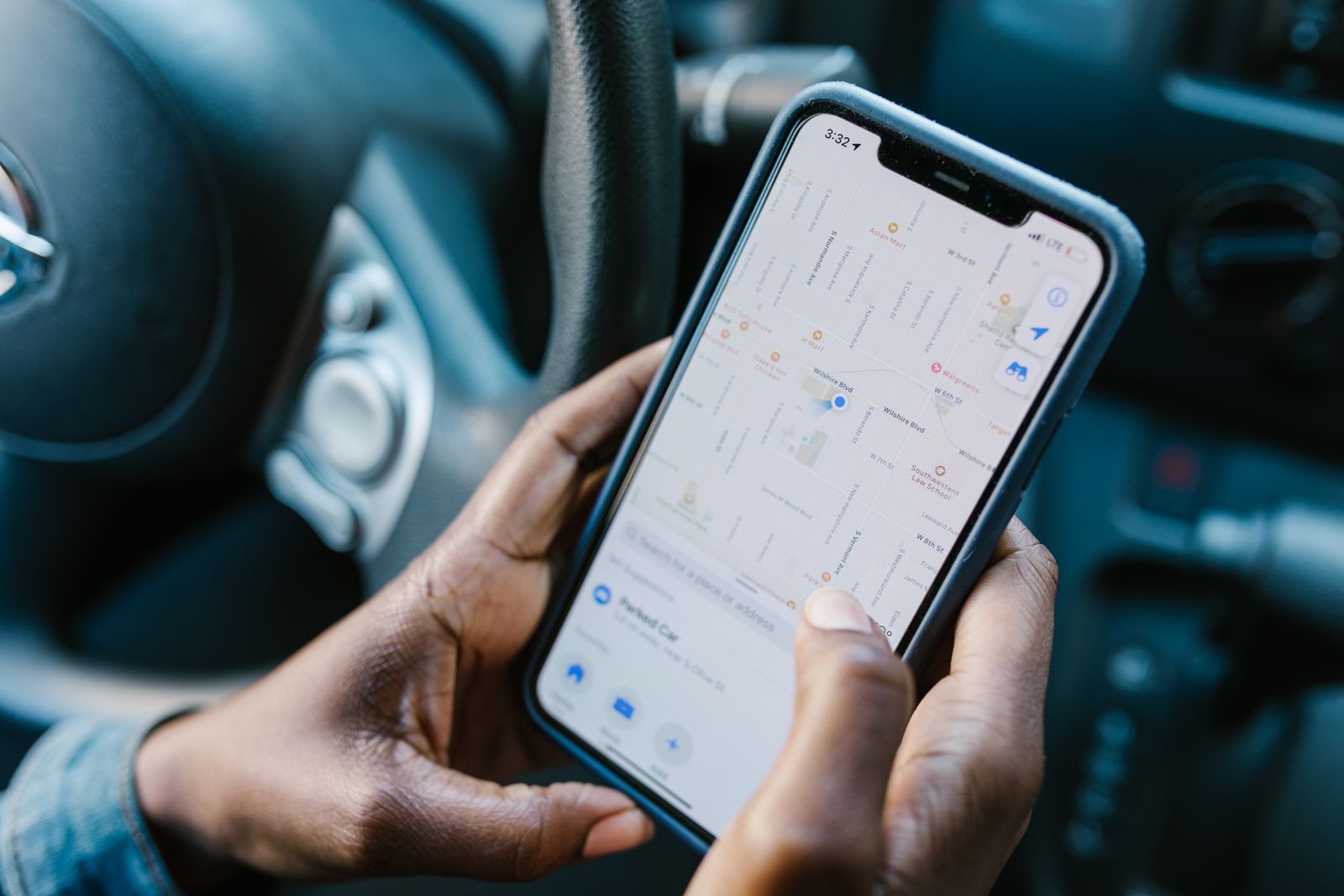
Google Maps now shows a Message button right next to the Call button on business listings that have chat set up, on both Android and iPhone. Until now, customers had to scroll deep into a Business Profile to find the chat option. Now it sits in one of the most visible spots on the listing.
For local businesses, that’s an opportunity and a risk. A working text line gives customers who can’t or won’t call an easy way to reach you. A broken link or an inbox nobody checks now sits in a top button, where every customer can see it.
What Google announced
The change was part of Google’s November Small Business Bulletin, posted in the Google Business Profile Help Community by Google’s Lisa Landsman on November 5 and reported by Search Engine Roundtable and Search Engine Journal on November 6, 2026. Google described it this way: customers will “find a prominent Message button right next to ‘Call’ on your Google Maps listing.”
According to Search Engine Roundtable, the button appears whether a customer is viewing the profile, opening the expanded header, or using the bottom action bar. Landsman said the goal is that “messaging is front and center,” giving customers “an immediate fallback to reach out” when you can’t pick up the phone.
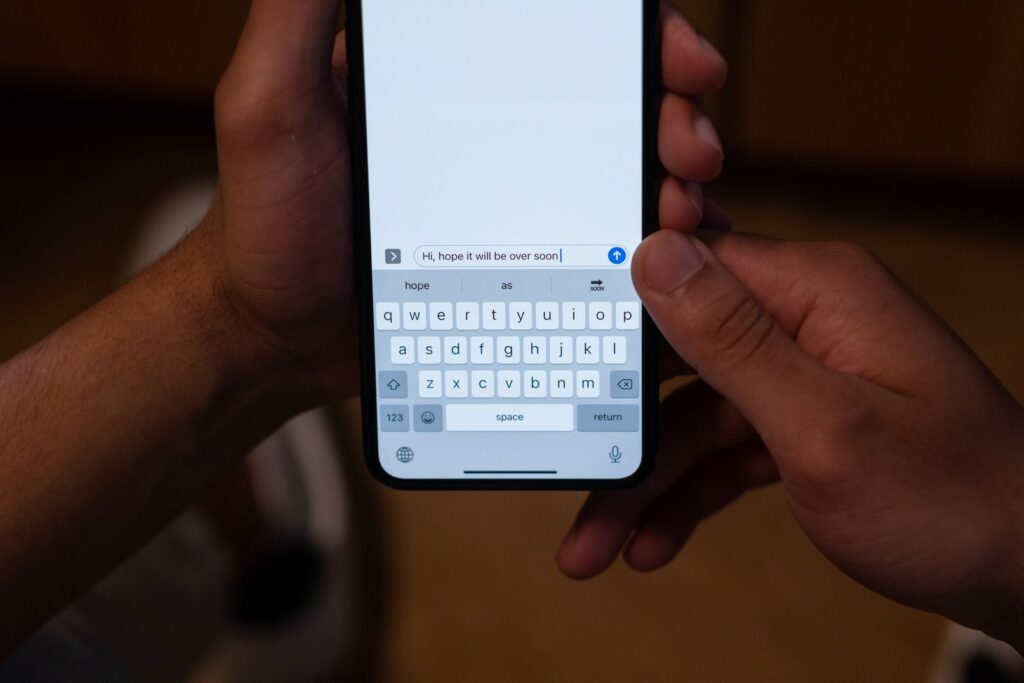
Messages go to whichever chat channel you’ve connected to your Business Profile: WhatsApp or text message (SMS).
Why it matters for local businesses
Phone calls are still the most valuable lead for most local service businesses. But plenty of customers would rather text: people at work, people booking something non-urgent, and people who simply don’t like calling. When those customers see only a Call button, some of them leave and try the next listing.
A Message button right beside Call gives them another option without leaving Maps. For a plumber, salon, or auto shop, that can mean catching leads that used to slip away. It also raises the stakes on response time. A text that sits unanswered for a day looks worse than a missed call, because the customer knows you could have replied.
How to set up chat on your Business Profile
Google’s help page says chat is available only to businesses with a claimed and verified Business Profile, and only in “select regions,” so it may not appear for every profile. If it’s available to you:
- Open your Business Profile and choose Edit profile, then Contact.
- Next to Chat, select Edit.
- In the Chat dropdown, choose WhatsApp or Text message.
- Enter your WhatsApp click-to-chat link, or a phone number that can receive texts.
- Save.
Two details worth knowing. If you add both WhatsApp and text, Google says only the text option is shown to customers. And if you manage several locations, they can share the same WhatsApp link.
What to do now
- Send yourself a test message. Search Engine Journal suggests sending a test through the chat link on every profile you manage before the holiday rush. Make sure it arrives where you’ll actually see it.
- Use a number someone watches. If your main line is a landline that can’t receive texts, use a mobile number that a real person checks during business hours.
- Decide who replies, and how fast. Treat a message like a phone call. Set a target, such as replying within an hour during opening hours, and an auto-reply for after hours.
- Check your hours. Google’s bulletin also added a “Generate hours” option that lets you describe your schedule in plain language and have Google fill in the fields (in select regions and languages). Accurate hours stop customers messaging you when you’re closed and expecting an instant reply.
- Track it. Google says you can see chat performance in your Business Profile metrics. Compare messages with calls each month.
- Make your website match. If customers can text you from Maps, offer the same option on your website, next to your phone number. Our guide to building a lead generation website covers how to set up contact options that turn visitors into leads, and local business website design covers the rest of the page.
Other changes in the November bulletin
The same bulletin, as summarized by Search Engine Journal, included several smaller updates:
- Appeals: owners of suspended profiles can now upload supporting documents before submitting an appeal. Evidence is optional, and each appeal can be submitted only once, so include everything the first time.
- Restaurants: restaurants can turn off specific third-party ordering services from the dashboard, and menus gain Dairy-Free and Gluten-Free tags alongside Vegetarian and Vegan. Kosher and Halal labels should be used only where certified.
- Gemini: Google says Business Profile owners with Google Workspace accounts can now use Gemini’s profile tools, but Search Engine Journal noted that Google’s help page still said work accounts weren’t supported, so check before relying on it.
Frequently asked questions
Does every business get the Message button on Google Maps?
No. The button appears only for profiles that have chat set up. Google says chat requires a claimed and verified Business Profile and is available only in select regions.
Can customers message me on WhatsApp from Google Maps?
Yes, if you add a WhatsApp click-to-chat link as your chat option. If you add both WhatsApp and text messaging, Google shows customers only the text option.
Do I have to turn on messaging?
No. It’s optional. Only turn it on if someone will reply promptly, because an unanswered message in such a visible spot can cost you the customer.
Where do I see how many messages I get?
Google says chat performance appears in your Business Profile metrics, alongside calls and other actions.
Make every visit count
Google keeps making it easier for customers to reach you straight from Maps. Make sure your website is just as easy to act on, with clear contact options on every page. If your site isn’t bringing in calls, see why a website isn’t getting inquiries. Our website maintenance plans can help keep your site up to date after launch.
Want to see how your homepage could turn more of those visits into calls and messages? We’ll design it for free.
No obligation. Don’t love it? You don’t pay a thing.
Sources
- Google Expands Business Messaging To Google Maps On iOS & Android, Search Engine Roundtable, Nov 6, 2026
- Search Engine Journal on the November Business Profile bulletin, Matt G. Southern, Nov 6, 2026
- Add chat to your Business Profile, Google Business Profile Help
- Google Maps Adds Message Button Next to Call, Relevant Audience, Nov 7, 2026
Need a website that brings in inquiries?
Get a professional website, live in two weeks
We build fast, mobile-friendly websites for local businesses, planned around what you need your website to do. Five pages from $750, with unlimited revisions until you approve.

You’ll talk directly with Govind,
founder of Crazy Media Design.
$750
Five-page website · starting price
- Delivered in two weeks
- Unlimited revisions
- Mobile-friendly and fast
- You own your website